The use of the checkin depends on the contract. To access the check in area if your have this feature go to tasks / media and click on the “External file” button
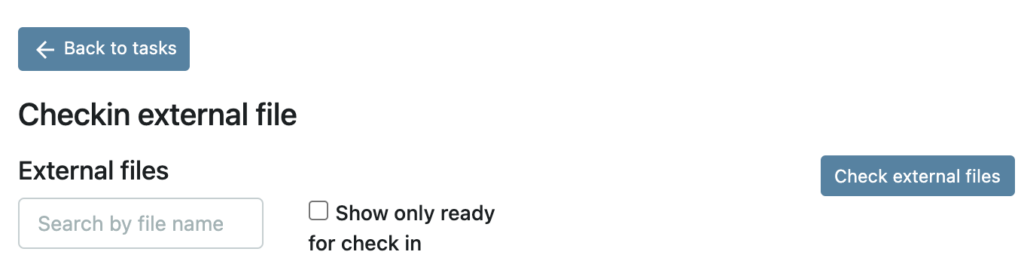
The checkin will monitor a FTP, Aspera or S3 folder depending on your setting. If the asset is named with the IntID it will show up in the top of the list. You can also search for the asset in the search field.
Before you check in the files, use the Thumbnails view to show 10 images from the assets to confirm you are checking in the right version.
When the correct asset have been selected click on the “Check in external files” and mark the Media task to done.